What Is Text Verification?
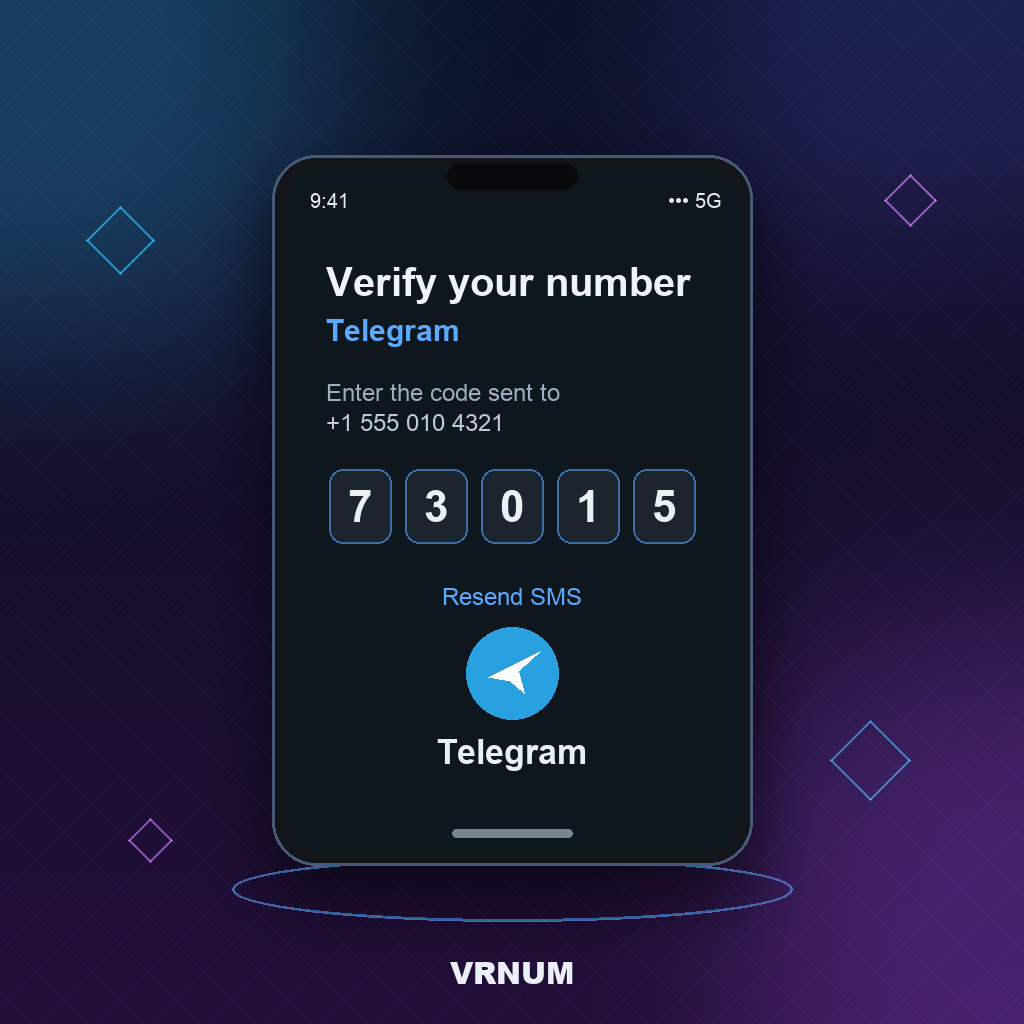
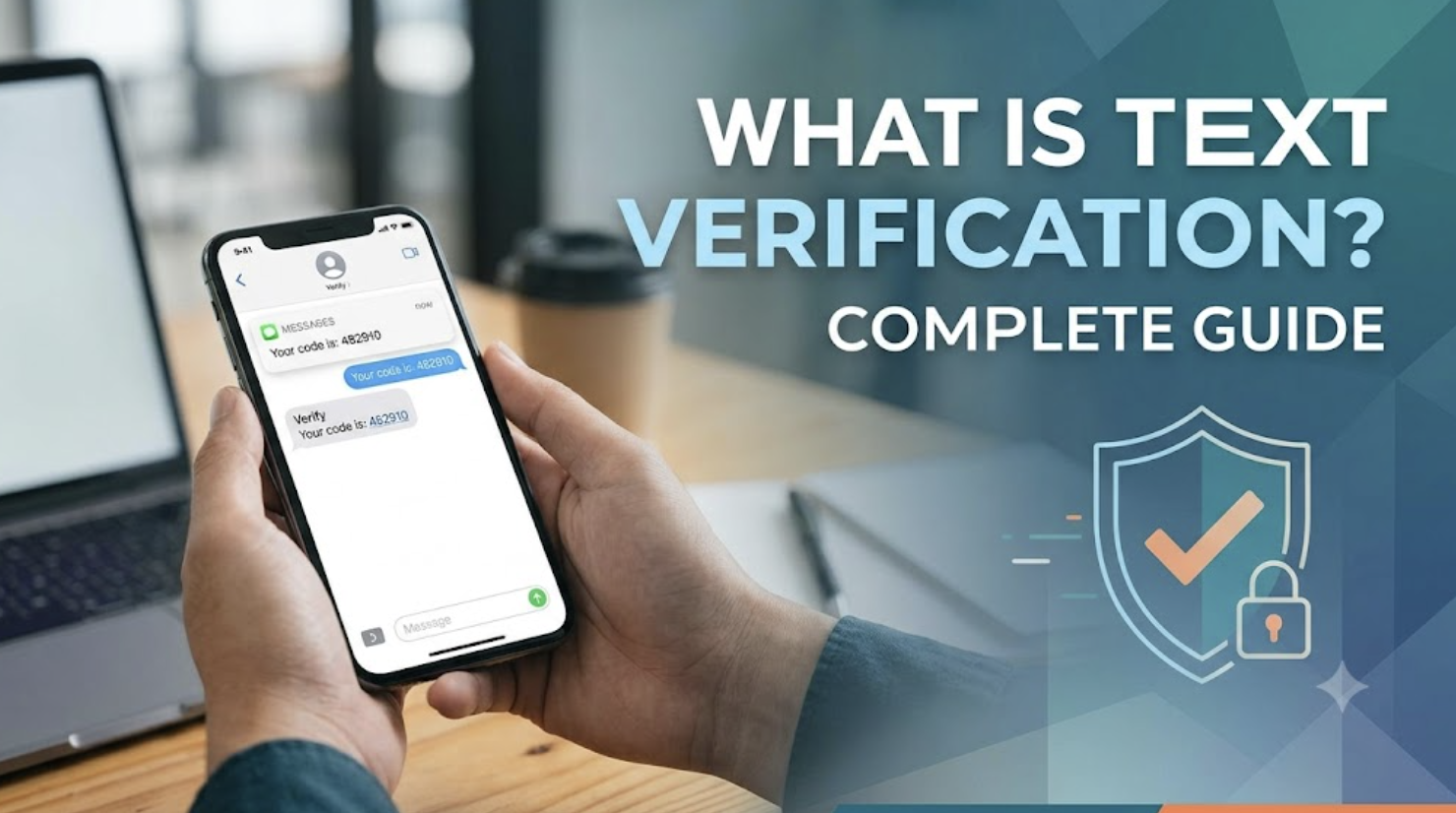
Text verification (also called SMS verification or OTP — one-time password) is a security check where a platform confirms you control a real phone number by sending a short code to it via text message. You type that code back into the site or app, and your identity — or at least your access to that number — is confirmed.
It's become the default second factor for almost every signup: social apps, banks, crypto exchanges, delivery apps, and dating platforms all use some form of it, usually alongside a password.
How Text Verification Works
- You enter your phone number during signup or login.
- The platform generates a random numeric code (usually 4–6 digits).
- The code is sent to that number by SMS, typically within seconds.
- You enter the code back into the platform within a time limit (commonly 5–10 minutes).
- The platform confirms the match and either creates your account or logs you in.
Behind the scenes, most platforms also run a carrier lookup on the number before sending — checking whether it's a real mobile allocation, a VoIP number, or a number flagged for prior abuse. This is why some numbers "fail" verification instantly, before a text is even sent.
Why Platforms Require Text Verification
- Bot prevention — a phone number is harder to mass-generate than an email address
- Account recovery — a verified number gives you a way back into your account if you lose your password
- Fraud reduction — tying an account to a real, reachable number raises the cost of running fake accounts
- Regulatory requirements — some industries (banking, crypto) require phone verification as part of compliance
Common Text Verification Problems
- Code never arrives — usually a blocked number range, network delay, or rate limiting. See our full troubleshooting guide for platform-by-platform fixes.
- "This number can't be used for verification" — the platform's carrier lookup flagged the number as VoIP, shared, or previously banned.
- Number already registered — the number was used to verify a different account on that platform before.
- Verification loop — the code arrives but is rejected; almost always a copy-paste error (extra space) or the code expired while you were typing.
How to Pass Text Verification Privately
If you don't want to hand your personal number to every app you sign up for, a dedicated virtual number solves the two real risks: platforms rejecting the number outright, and your real number ending up in a data broker's contact list.
The number needs to be a real mobile carrier allocation, not a VoIP or shared pool — that's the single biggest factor in whether verification succeeds. See Real Mobile Numbers vs VoIP for why that distinction matters more than "physical vs virtual."
Text Verification vs Email Verification
Text verification is generally considered stronger than email-only verification because a phone number is harder to create in bulk and gives platforms a fallback channel for account recovery. Some platforms use both — email to confirm the address is real, text to confirm ongoing access — especially for financial or high-value accounts.
Frequently Asked Questions
What does text verification mean?
It means a platform is confirming you control a phone number by texting you a one-time code you enter back into the site or app — the same mechanism as SMS/OTP verification.
Why do apps ask for text verification?
Mainly to prevent bots and fake accounts, and to give you a recovery path if you lose access to your password. Some industries also require it for compliance.
Can I use a virtual number for text verification?
Yes, as long as it's a real mobile carrier number rather than a VoIP or shared number — those are the ones platforms reliably block.
How long is a text verification code valid?
It varies by platform, but most codes expire within 5–10 minutes. If yours expired, just request a new one rather than trying to reuse an old code.
What does it mean to be "text verified"?
Being "text verified" means you've successfully completed SMS/text verification for that platform — your phone number is confirmed and linked to your account. Some platforms show a "verified" badge or unlock features only after this step is complete.
Related reading
Get a Virtual Phone Number
Instant activation · 50+ countries · Monthly or yearly plans
Browse Numbers