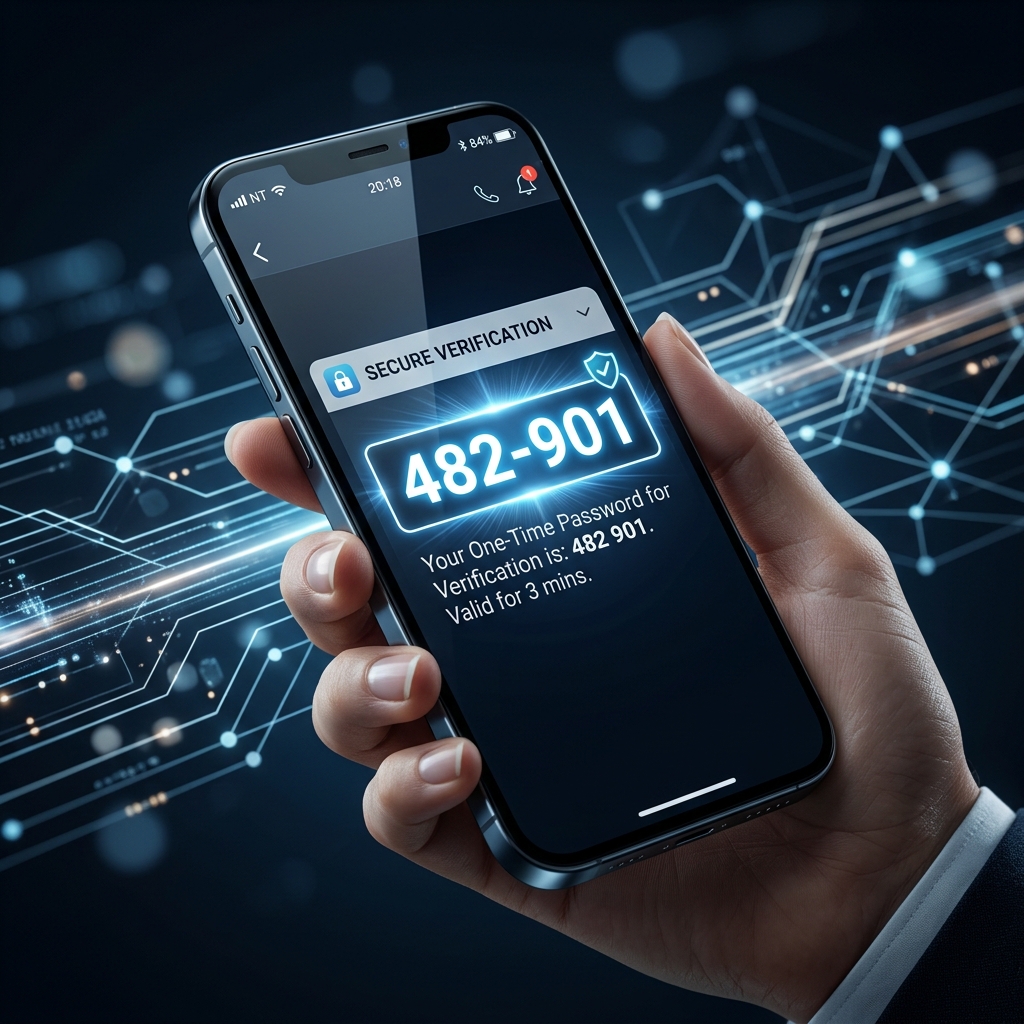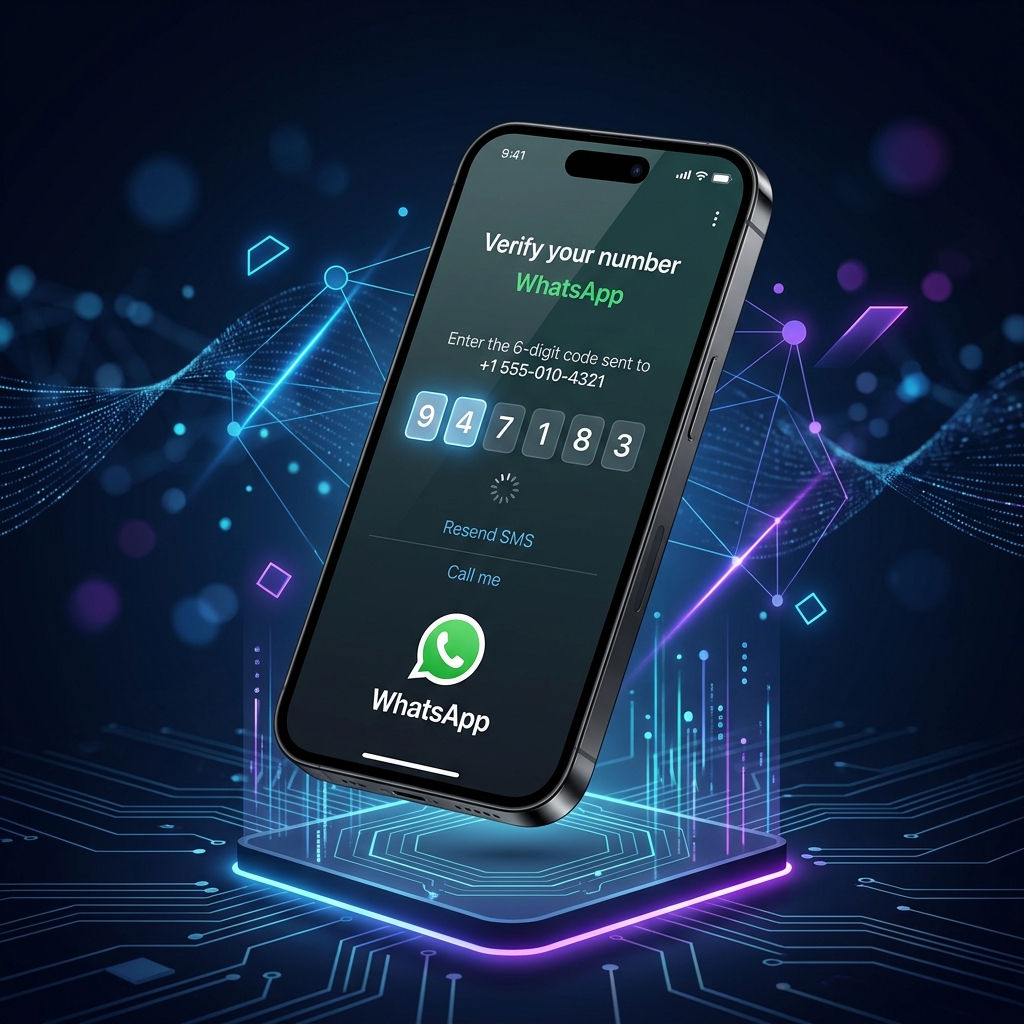
WhatsApp requires a phone number to create or verify an account, but that doesn't have to be your personal number. A virtual phone number lets you receive the WhatsApp SMS verification code on a real, dedicated line—without handing over your private number or buying a new SIM card.
This guide explains exactly how it works and why millions of people use virtual numbers for WhatsApp every day.
Why Use a Virtual Phone Number for WhatsApp?
There are several legitimate reasons to keep your real number separate from WhatsApp:
- Privacy — You don't want contacts or businesses seeing your personal mobile number.
- Business accounts — Running a WhatsApp Business profile for a company or side project without tying it to your personal phone.
- Second account — WhatsApp only allows one account per number. A virtual number gives you a clean second line.
- Traveling abroad — Get a local number in the country you're visiting without buying a physical SIM.
- Number porting — You're switching carriers and need a temporary number while your personal number transfers.
What Is a Virtual Phone Number?
A virtual phone number is a real telephone number that routes through the internet rather than a physical SIM card. It can receive SMS messages and calls just like a traditional number, but it's hosted in the cloud.
Key characteristics:
- Real number, real SMS — WhatsApp sends its verification code via SMS, and a virtual number receives it exactly like any other phone.
- Country-specific — You can get a number with a US (+1), UK (+44), German (+49), or 50+ other country codes.
- No hardware required — Works entirely online; no physical SIM or device needed.
- Instant activation — Most virtual numbers are active within minutes.
Step-by-Step: Verify WhatsApp with a Virtual Number
1. Get a Virtual Phone Number
Visit VRNUM and select a country. VRNUM offers virtual numbers from over 50 countries, available on monthly or yearly plans. Pick a number, complete the payment, and your number is active immediately.
2. Open WhatsApp and Enter the Number
When WhatsApp asks for a phone number during setup, enter your new virtual number including the country code (e.g., +1 for USA).
3. Request the SMS Code
Tap Send SMS in WhatsApp. The 6-digit verification code will be sent to your virtual number.
4. Check Your VRNUM Dashboard
Log into your VRNUM dashboard. Incoming SMS messages appear in real time on your number's page. Copy the 6-digit code.
5. Enter the Code and Finish Setup
Paste the code into WhatsApp. Your account is now linked to the virtual number and fully verified.
Choosing the Right Number for WhatsApp
Monthly vs. yearly plans — If you're creating a long-term WhatsApp account (personal use, business), choose a monthly or yearly plan. Your number stays the same and incoming messages keep arriving as long as the subscription is active.
Country matters — WhatsApp uses the country code to determine region-specific features and contact discovery. Choose the country code that matches where your contacts are or where your business operates.
One number, one WhatsApp account — Each WhatsApp account must have a unique phone number. You can hold multiple virtual numbers on VRNUM if you need multiple WhatsApp accounts.
Can WhatsApp Ban Virtual Numbers?
WhatsApp's terms of service focus on spam and automation—not on the type of number used. Millions of people use virtual numbers with WhatsApp every day for legitimate purposes. As long as you're using WhatsApp normally (not running bots, bulk messaging, or violating their policies), a virtual number works exactly like a regular mobile number.
Frequently Asked Questions
Can I make WhatsApp calls with a virtual number? Yes. Once your account is set up, WhatsApp calls use your internet connection (VoIP), not the phone number's voice line. The virtual number is only used for the initial SMS verification.
What if WhatsApp doesn't send the SMS? Try tapping "Resend SMS" in WhatsApp. If the code still doesn't arrive within 2 minutes, contact VRNUM support—there may be a carrier routing issue with that specific number.
Can I use the same virtual number for WhatsApp and other apps? Your virtual number can receive SMS from any service. If you use it to verify WhatsApp, you can still use it to receive codes from other platforms—the number isn't locked to WhatsApp.
Will my WhatsApp contacts see my virtual number? Yes. Your contacts will see the number you registered with WhatsApp. That's the privacy benefit—they see your virtual number, not your personal SIM.
Get Started Today
VRNUM makes it simple to get a virtual phone number in minutes. Choose from 50+ countries, get your number instantly, and use it across WhatsApp, Telegram, Google, or any other platform that requires SMS verification.
Get a Virtual Phone Number
Instant activation · 50+ countries · Monthly or yearly plans
Browse Numbers